
Common JSON layouts
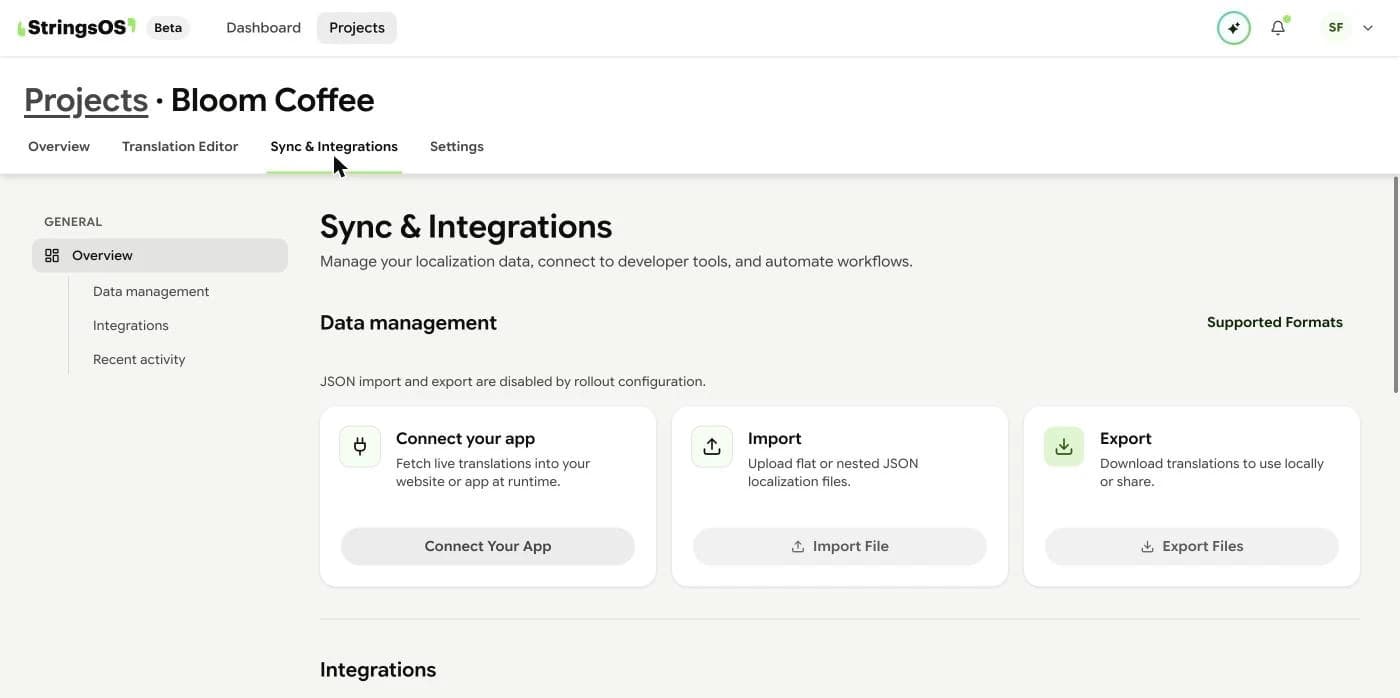
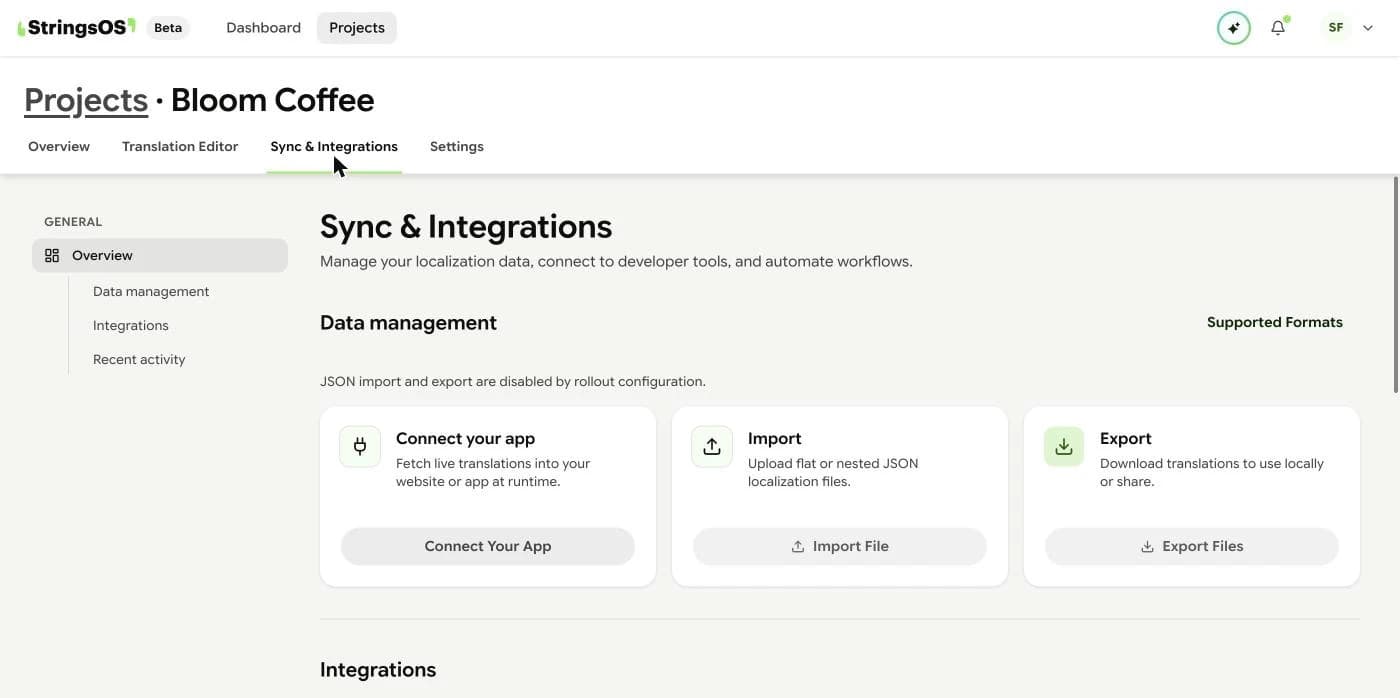
Upload your existing translation files. StringsOS understands both simple and nested JSON.
Bring in your translation files and download approved translations. You can preview every change first.
Navigation
Upload or download translation files any time, without connecting GitHub.
Files
Upload your existing translation files. StringsOS understands both simple and nested JSON.
StringsOS reads the language from the file name, like fr-FR.json or es.json.
Before anything changes, StringsOS checks your file for errors and shows exactly what will change.
You can always download your translations as JSON, even if you use GitHub. You’re never locked in.
Some text has blanks that your app fills in later, like {{name}} or {0}. These are called placeholders. When you import, StringsOS checks that translations keep them, so your app doesn’t break.
Import
Upload your existing translation files (JSON) to bring your translations into StringsOS. Files from popular tools like i18next and react-intl work too. Before anything is applied, you’ll see a preview of the new text that will be added and any existing text that will change.
Export
When your translations are approved, download them as JSON files for your app. Only approved translations are included, so drafts and unreviewed text never reach your live product.
Fixing errors
If a translation is missing a placeholder that your original text has, or changes it, StringsOS flags an error. Open the translation and make sure every placeholder, like {count} or %s, is there and written exactly the same.
Tired of passing files around? Connect GitHub and send translations as a pull request.
Upload a file and manage it in a simple editor.
Free during beta · No credit card required